Small, private Chrome extensions that save you time
No account, no tracking. Everything stays in your browser. Vigilo watches pages for you; Vigilo Tabs makes sure you never lose a saved tab again.
Products
Two focused tools, one philosophy
Each does one job well and keeps your data on your machine.
Vigilo
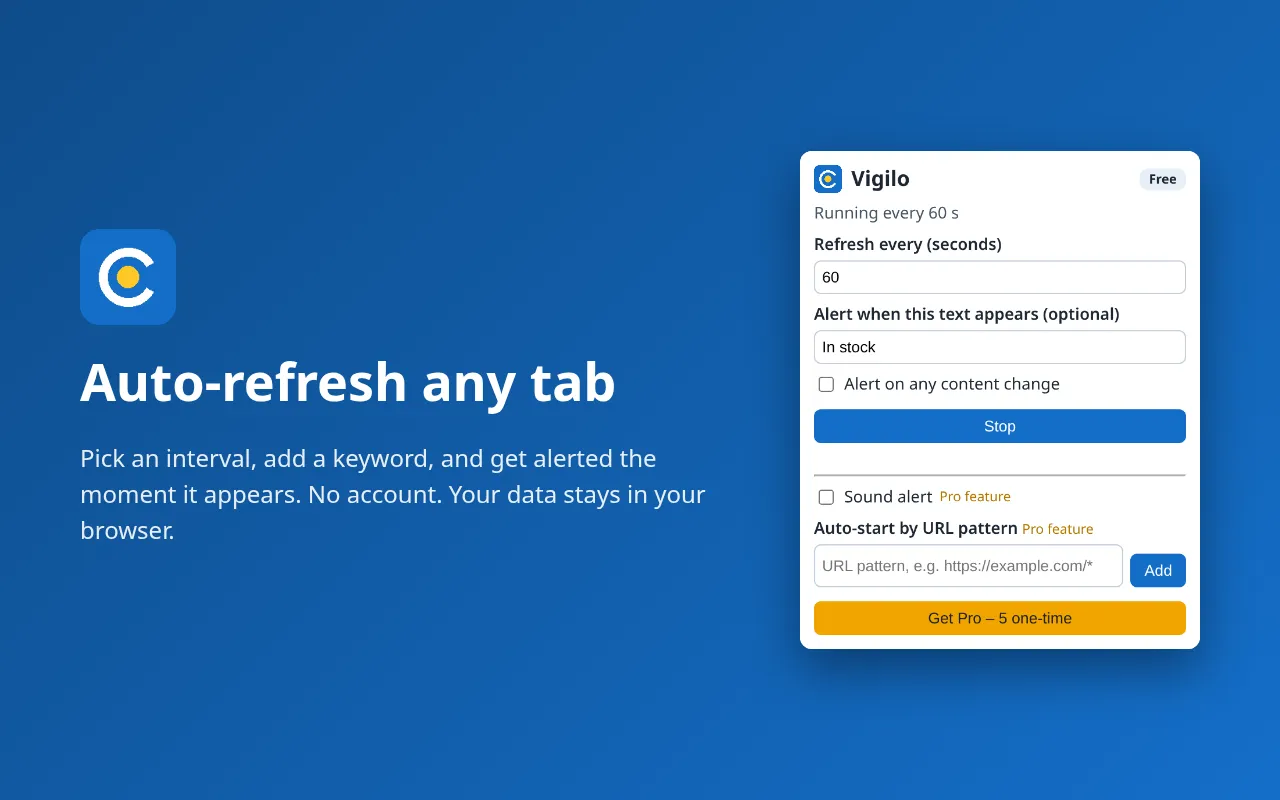
Auto-refresh any tab and get a notification when the page changes or a keyword appears.
- Auto-refresh any tab at your own interval
- Keyword and change alerts
- Per-site permissions, nothing leaves your browser
Vigilo Tabs
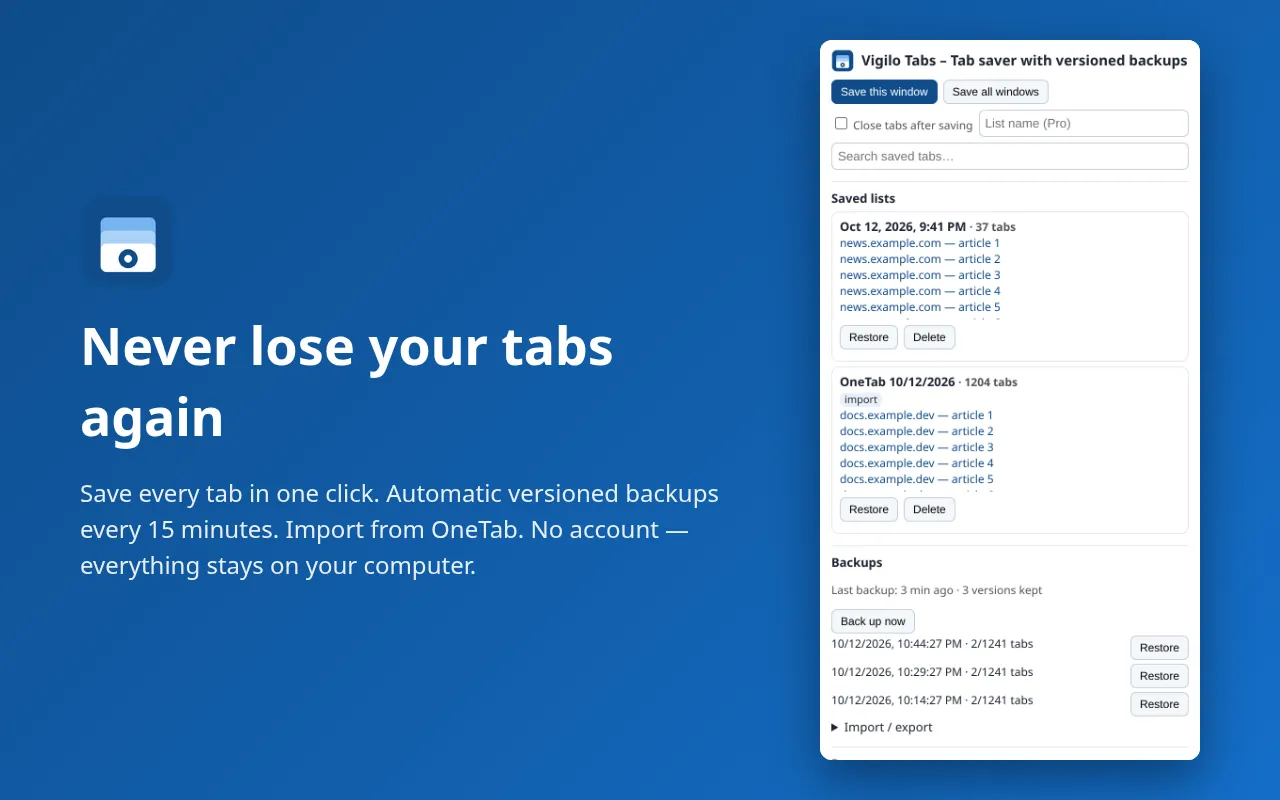
Save and restore tabs, import from OneTab, with automatic versioned backups so you never lose a list.
- Save & restore windows in one click
- Import from OneTab, export anytime
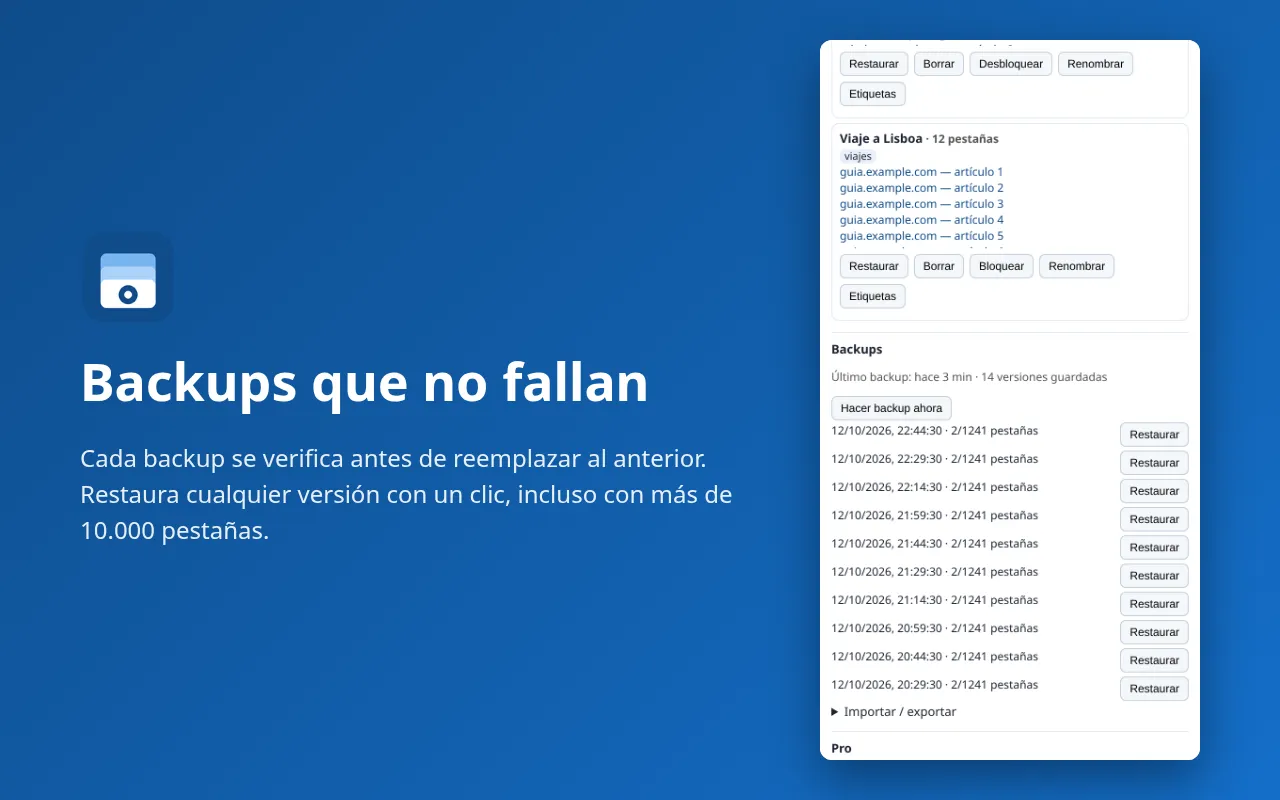
- Verified versioned backups every 15 minutes
Why Vigilo
Built to be trusted
Privacy and reliability are the features.
No account, no tracking
No sign-up, no analytics, no servers. Settings and lists live in your browser's local storage.
Minimal permissions
Vigilo only reads pages on sites you explicitly allow, one site at a time. Vigilo Tabs has no host permissions.
Alerts instead of F5
Desktop notifications when a keyword appears or the page content changes.
Backups that are verified
Each new backup is verified before an old one is removed, plus write-ahead saving for crashes.
No lock-in
Import OneTab's “URL | title” export and export back to text or JSON whenever you like.
English & Spanish
Both extensions ship with an English and Spanish interface.
Pricing
Free to use. Pro if you want more.
Pro is an optional one-time upgrade inside each extension. No subscription.
Free
Everything you need to start.
- Vigilo: auto-refresh + 1 alert rule
- Tabs: save, restore, search, OneTab import/export
- Tabs: 3 versioned backups
- No account, all local
ProOne-time
For power users. Pay once.
- Vigilo: unlimited rules, sound alerts, shortcuts, auto-start by URL
- Tabs: unlimited backups + daily file in Downloads
- Tabs: named, tagged & locked lists, pinned groups
- Pay once via ExtensionPay/Stripe, no subscription
Screenshots
See them in action
FAQ
Frequently asked questions
Are the extensions really free?
Yes. Both work for free. Pro is an optional one-time upgrade of $9.99, no subscription.
Do I need an account?
No. There is no sign-up and no server: your settings and lists stay in your browser.
Who processes Pro payments?
ExtensionPay (extensionpay.com) and Stripe. The extensions never see your payment details.
Does Vigilo work when Chrome is closed?
No. Vigilo runs in your browser, so Chrome must be open. In exchange it works on pages behind your normal login.
Why does Chrome warn “Read your browsing history” for Vigilo Tabs?
That is how Chrome labels the tabs permission, needed to read the URL and title of open tabs when you save them. Vigilo Tabs does not read your history or page contents.
Can I move my OneTab lists?
Yes. Paste OneTab's “URL | title” export into Vigilo Tabs. Vigilo Tabs is not affiliated with OneTab.