Vigilo Tabs – Tab saver with versioned backups (OneTab alternative)
Lost saved tabs after an update or a crash? Vigilo Tabs is built so that never happens.
No account · No tracking · English & Spanish
Features
Features
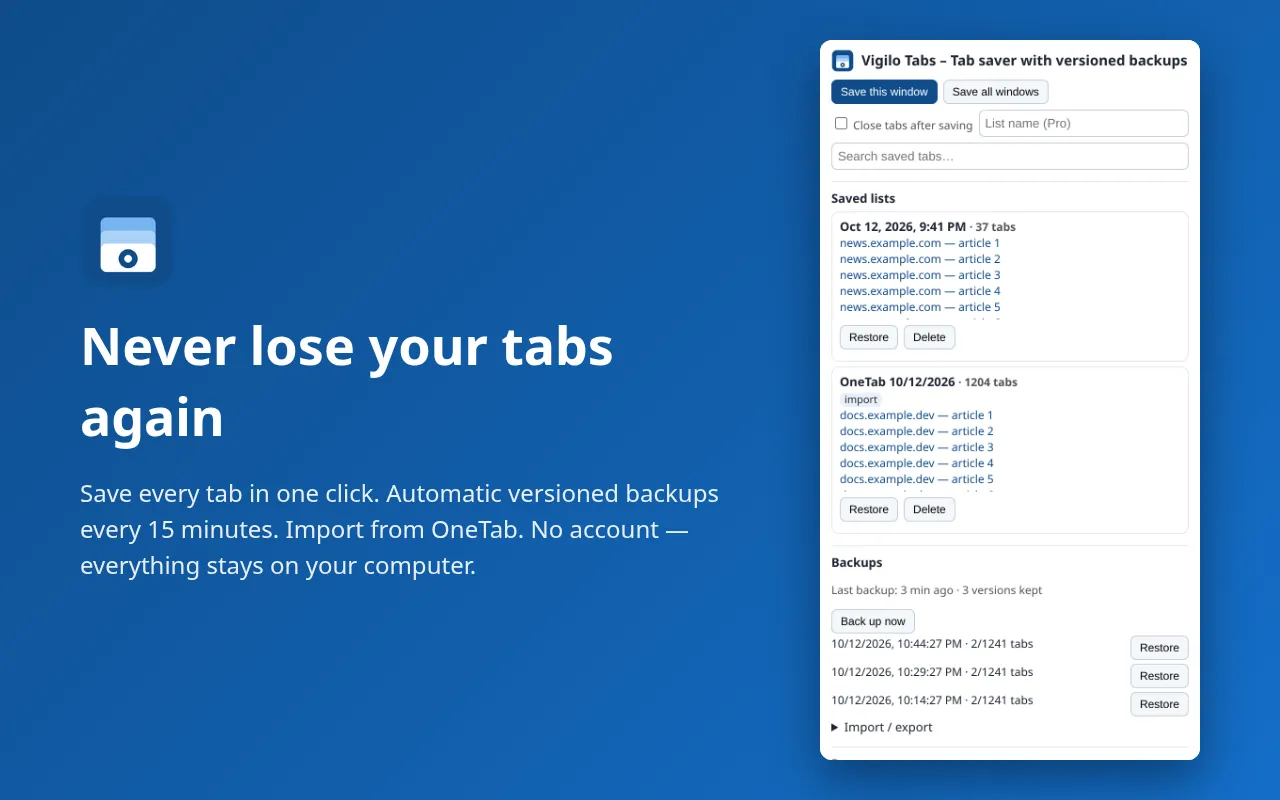
One-click save
Save the current window or all windows in one click; restore one tab or the whole list.
OneTab import/export
Import from OneTab (paste its “URL | title” export) and export to OneTab text or JSON.
Search everything
Search every saved tab by title, URL, list name or tag.
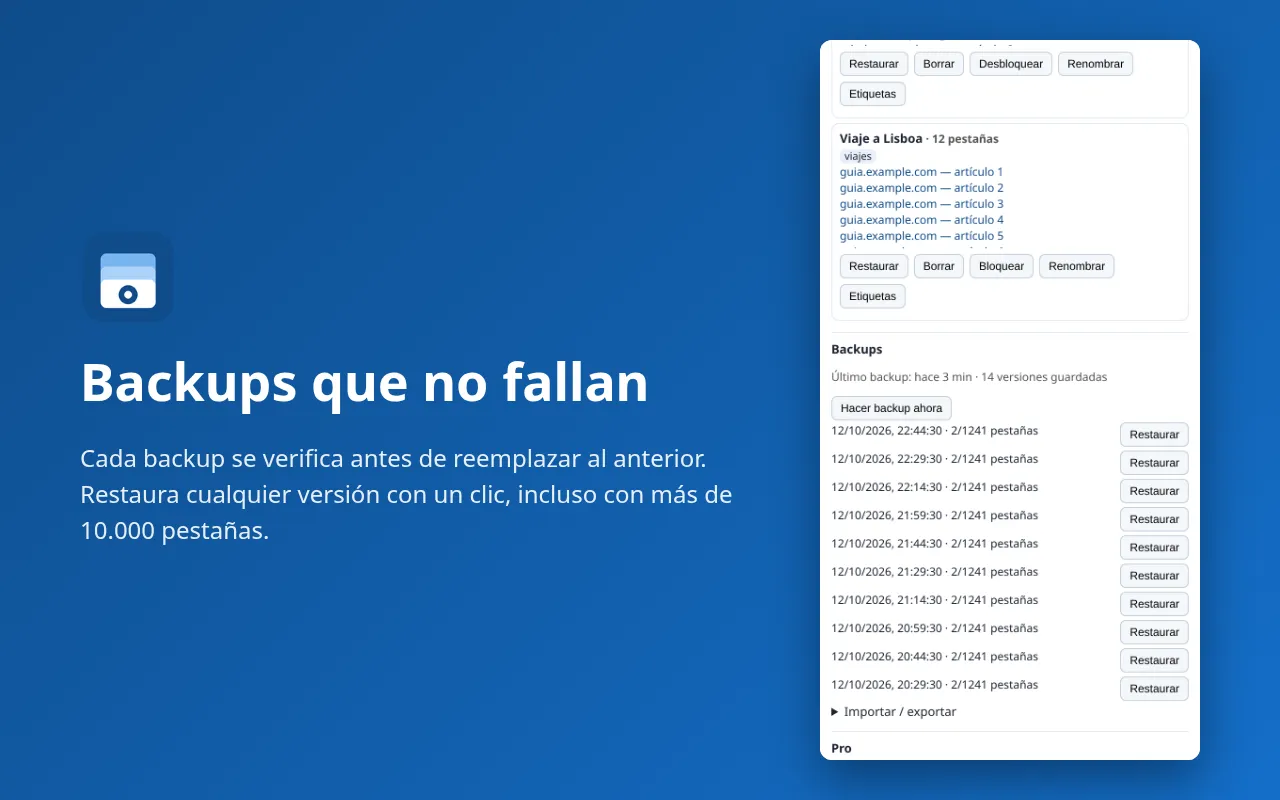
Verified backups
Automatic backups every 15 minutes; each new backup is verified before an old one is removed.
Crash-safe saving
Write-ahead saving: if Chrome crashes mid-save, lists are recovered on next start.
Built for big lists
Tested with 10,000+ saved tabs. No account, no cloud, no tracking.
Pricing
Free vs Pro
Free
Everything you need to start.
- Save / restore / search / OneTab import-export
- Versioned backups kept (3)
ProOne-time
Unlock everything. Pay once.
- Save / restore / search / OneTab import-export
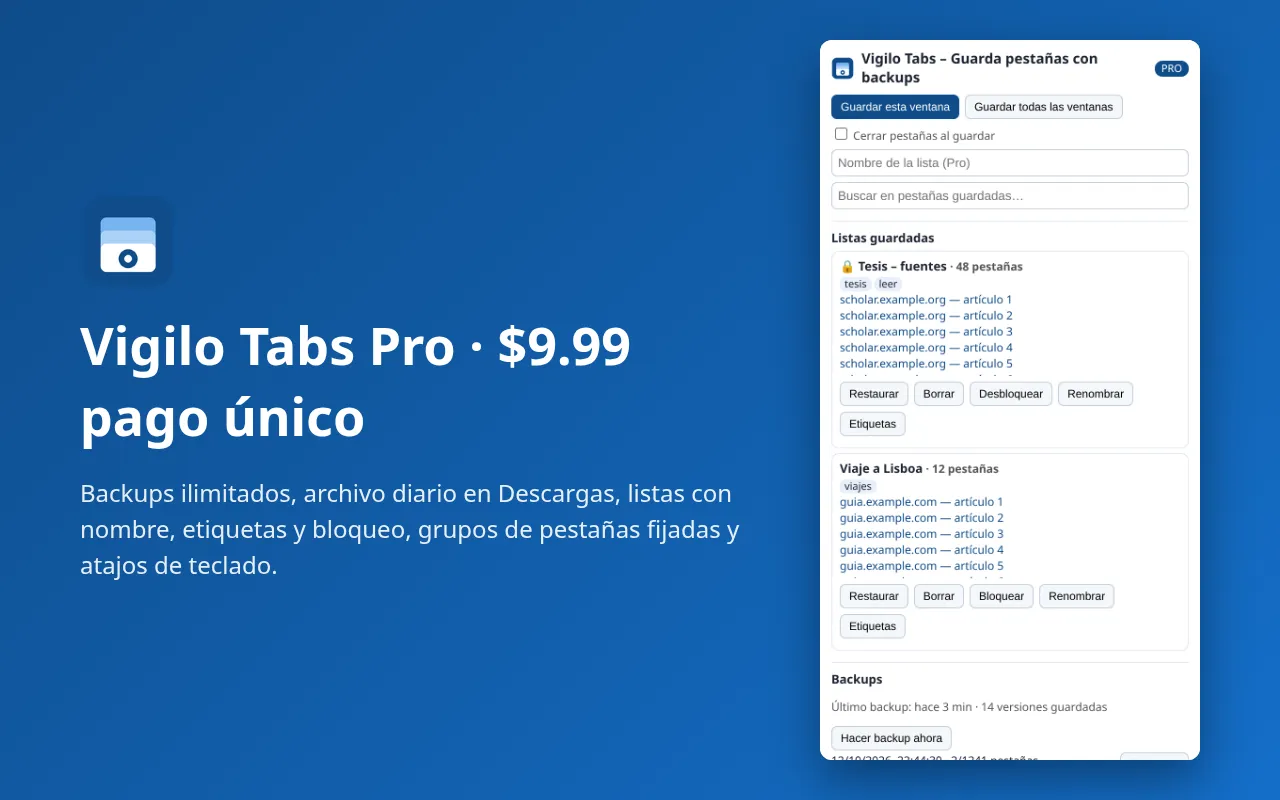
- Versioned backups kept (Unlimited)
- Daily backup file in Downloads/VigiloTabs/
- Named lists, tags, locked lists
- Pinned-tab groups at startup
- Shortcuts (Alt+Shift+S, Alt+Shift+L)
| Feature | Free | Pro ($9.99 one-time) |
|---|---|---|
| Save / restore / search / OneTab import-export | ✓ | ✓ |
| Versioned backups kept | 3 | Unlimited |
| Daily backup file in Downloads/VigiloTabs/ | – | ✓ |
| Named lists, tags, locked lists | – | ✓ |
| Pinned-tab groups at startup | – | ✓ |
| Shortcuts (Alt+Shift+S, Alt+Shift+L) | – | ✓ |
Chrome shows “Read your browsing history” for the tabs permission, needed to read the URL and title of open tabs when you save them. Vigilo Tabs does not read your history or page contents, and nothing leaves your computer. Not affiliated with OneTab.
FAQ
Frequently asked questions
How do I move from OneTab?
In OneTab click “Export / Import URLs”, copy all the text, then choose “Import from OneTab” in Vigilo Tabs and paste. Keep OneTab installed until you've checked everything came across.
Where are my tabs stored?
Only in your browser's local extension storage. With Pro, a daily JSON backup is also written to your Downloads folder. Nothing is uploaded.
What happens if I uninstall?
Uninstalling removes stored data; backup files in Downloads stay until you delete them.