Vigilo – Auto Refresh & Page Alerts for Chrome
Vigilo refreshes the tabs you choose and tells you the moment something changes, so you can stop hitting F5.
No account · No tracking · English & Spanish
Features
Features
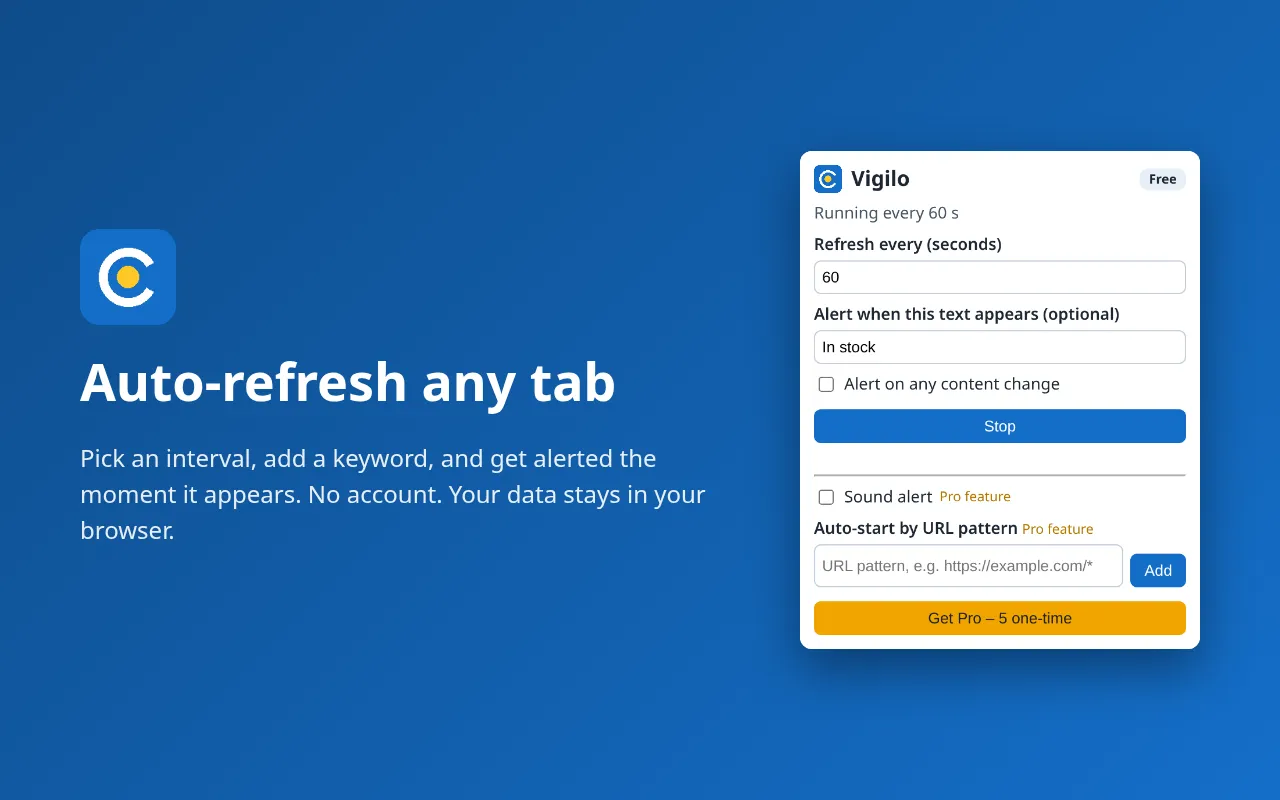
Auto-refresh
Auto-refresh any tab at your own interval.
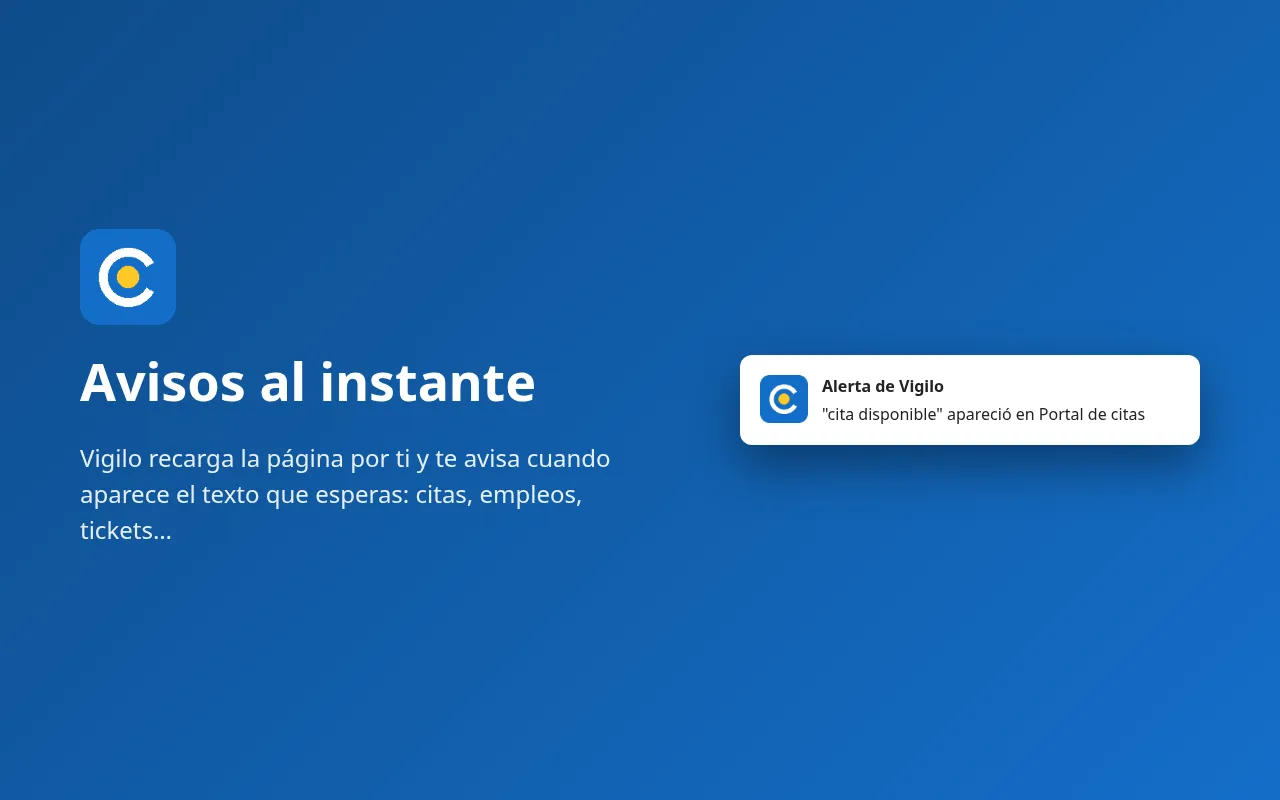
Keyword alert
A notification when a word or phrase appears on the page.
Change alert
A notification when the page content changes.
No account, no tracking
Settings stay in chrome.storage.local.
Minimal permissions
Vigilo only reads pages on sites you explicitly allow, one site at a time.
Bilingual
English and Spanish interface.
Useful for appointment slots, job boards, support queues, status pages, forums and results pages. Please respect each website's terms of use.
Pricing
Free vs Pro
ProOne-time
Unlock everything. Pay once.
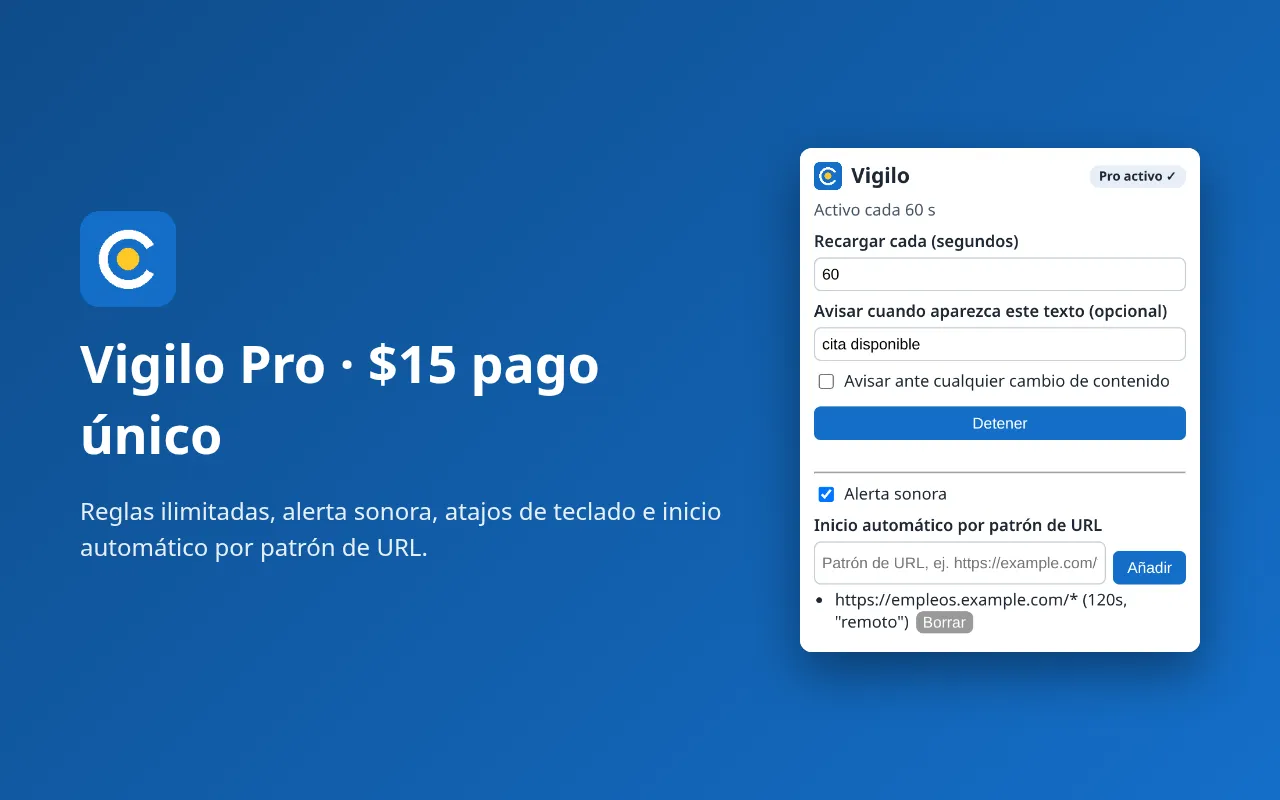
- Auto-refresh
- Keyword / change alert rules (Unlimited)
- Sound alert
- Keyboard shortcuts (Alt+Shift+R, Alt+Shift+N)
- Auto-start by URL pattern
| Feature | Free | Pro ($9.99 one-time) |
|---|---|---|
| Auto-refresh | ✓ | ✓ |
| Keyword / change alert rules | 1 | Unlimited |
| Sound alert | – | ✓ |
| Keyboard shortcuts (Alt+Shift+R, Alt+Shift+N) | – | ✓ |
| Auto-start by URL pattern | – | ✓ |
Screenshots
Screenshots
Guide: auto refresh a page in Chrome · Guide: get notified when a website changes
FAQ
Frequently asked questions
Does it work on pages where I'm logged in?
Yes, it uses your normal browser session. Chrome must be open.
Which interval should I use?
The longest one that works for you. Refreshing every few seconds can get you rate-limited and puts load on the site.
Does Vigilo send page data anywhere?
No. Page text is read locally, only on sites you allow, solely to detect your keyword or changes.